GuidesBy FilmFocus
Three Ways to Digitize Negative Film
This is an AI translation of an article originally published in Japanese. If anything reads oddly, the Japanese original is the authoritative version.
This article contains Amazon Associates links (Amazon.co.jp).
Digitizing negative film is an essential step if you want to enjoy film photos on modern devices. Storing your film photos in digital form makes them easy to share on social media and photo-sharing sites, and it also protects you against the risk of the film physically deteriorating or getting lost. Below, we explain the three main ways to digitize negative film.
Flatbed Scanning
This method uses a flatbed scanner to digitize negative film. Some commercially available flatbed scanners can scan not only paper documents and photos but also negative film.
Flatbed scanning is also used to make what is called a "contact sheet," an image that scans multiple film frames at once and displays them together.
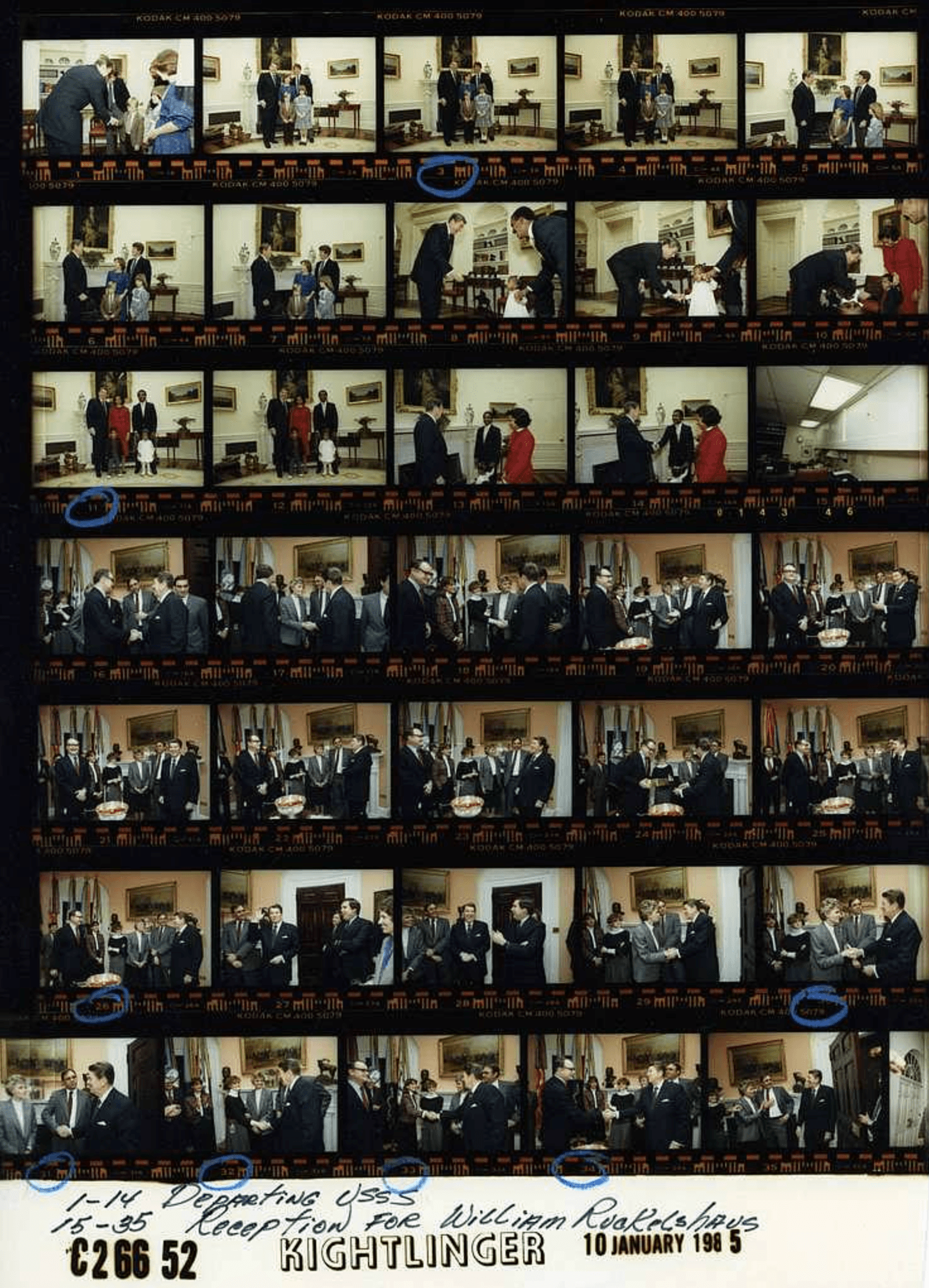 An example of a contact sheet
This is a contact sheet of film photos taken at the White House during President Reagan's time in office (source: Executive Office of the President of the United States). Today, flatbed scanners are often used to scan an entire roll of film at once like this.
Dedicated Scanners
This method uses the kind of dedicated scanner found in photo labs. These scanners read film continuously and can digitize it at high speed. The main models include Fujifilm's Frontier series and Noritsu's Noritsu QSS series.
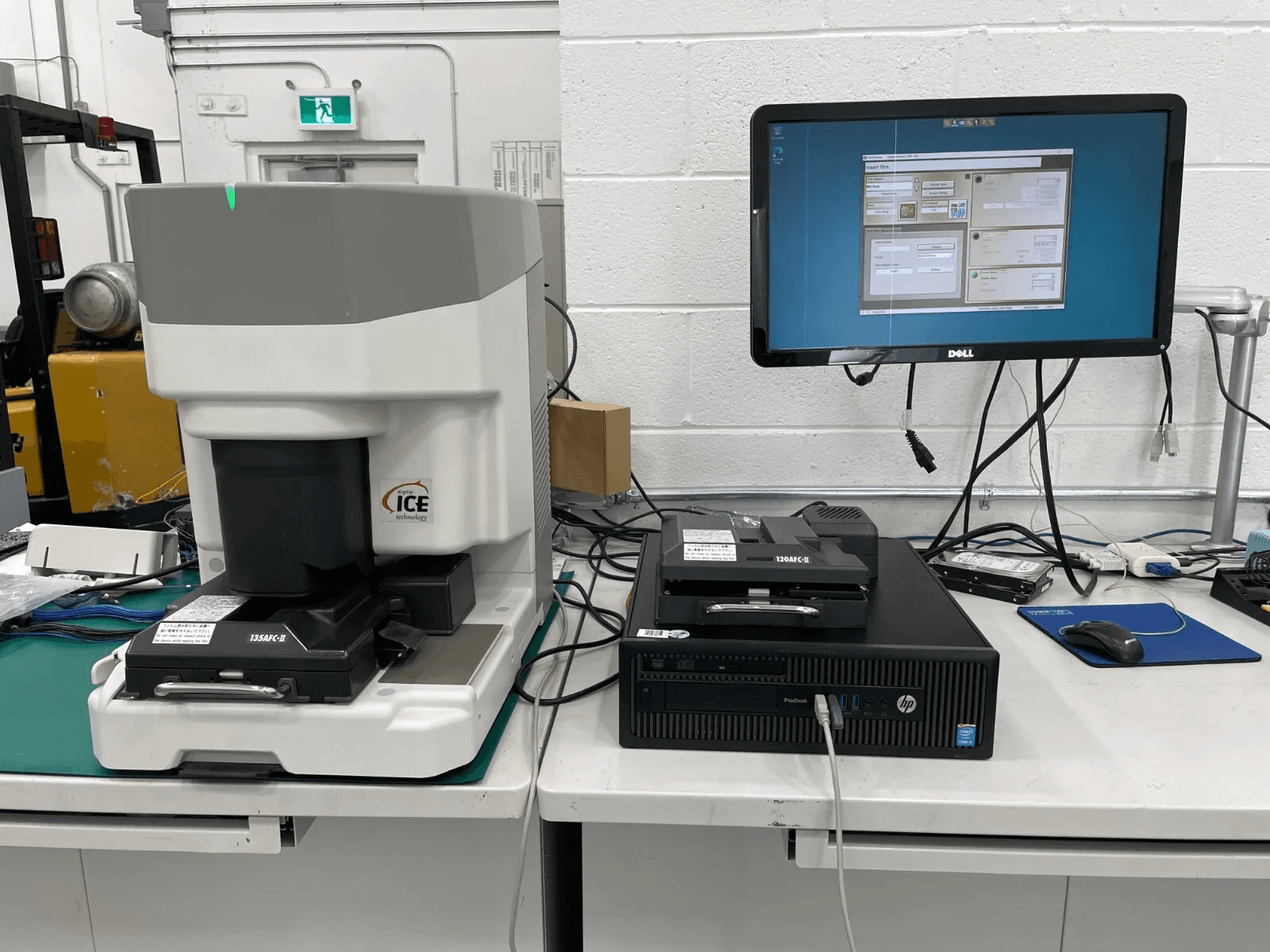 An example of a dedicated scanner setup
Dedicated scanners are expensive, which makes them a heavy burden for individuals and small-scale users. On top of that, configuring the equipment and using the software is complicated and requires specialist knowledge, so the barrier to entry is currently high.
Home Film Scanners
There are also dedicated scanners for home use. They fall short in features and image quality, but they are inexpensive and easy to get hold of. For example, manufacturers such as Kenko Tokina and Sanwa Supply sell relatively affordable dedicated scanners.
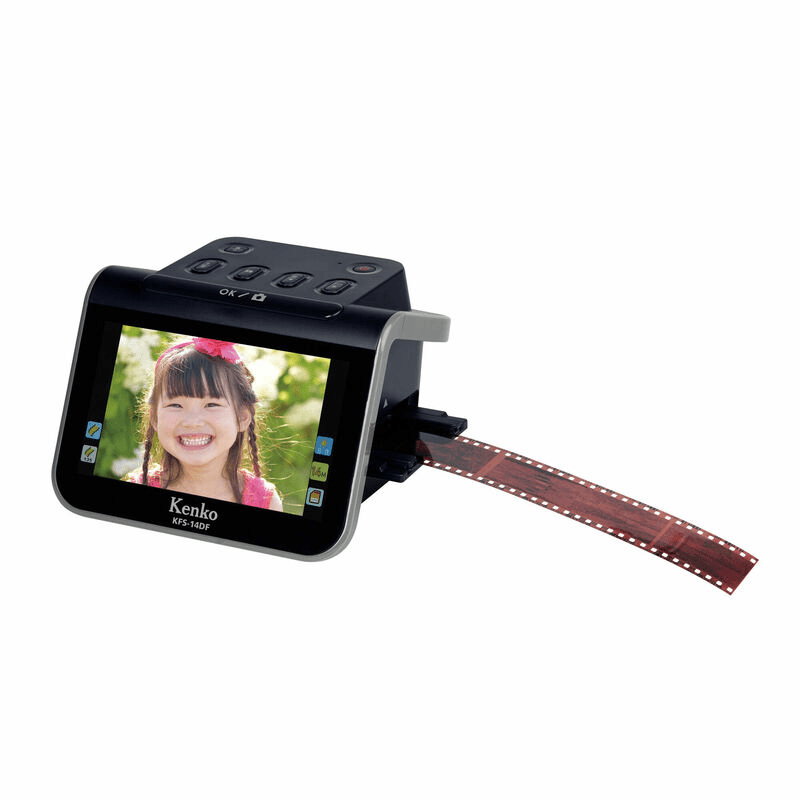
The Kenko Tokina KFS-14DF has a 13-megapixel image sensor and supports 35mm, 110 and 126 film. It features a large 5-inch LCD monitor and can be operated easily without a computer. Scanned data can be saved directly to an SDHC card, and you can also connect it to a TV to view your images.
Summary
To sum up:
- If you simply want to scan film as easily and conveniently as possible (budget: a few thousand yen): a home dedicated scanner
- If you want a scanner you can also use for other purposes (budget: tens of thousands of yen): a flatbed scanner
- If you have a substantial budget and space for installation, and want to develop large amounts of film efficiently (budget: several hundred thousand yen or more): a dedicated scanner